Case study · Surveys app · web and mobile, 2019
Findowtt: Surveys people actually finish.
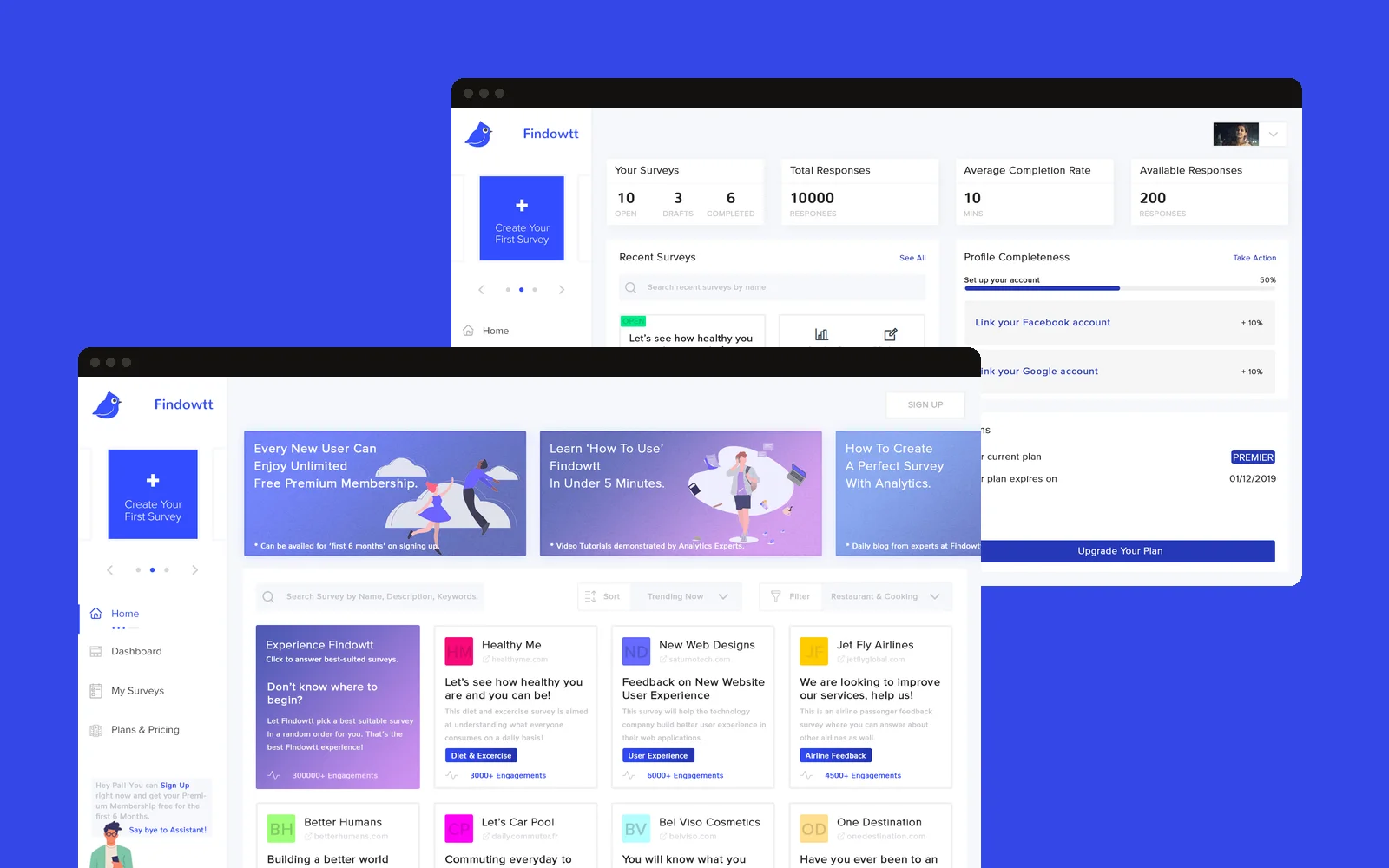
Findowtt is a surveys app for the web and mobile. Anyone can answer surveys, quizzes and trivia, and anyone can build one and see the results. We designed the UX and UI and mapped every flow, and made the whole thing feel light and friendly, so answering a survey feels less like a form and more like a game.
By Kishore Ravi, founder · Updated

Nobody likesa long form.
Most surveys look like paperwork, so people drop out halfway. Findowtt wanted the opposite: surveys people enjoy answering, and a builder simple enough for a school, an NGO or a small business to use without training.
So there were two audiences to design for, the people answering and the people asking, and both had to feel easy.
One question at a time
Each question gets the whole screen, with progress dots below.
Fast inputs
Scales, yes or no, lists and short answers, picked for each question.
A guided builder
Four short steps before you build, then drag and drop.
A friendly guide
A helper character and illustrations keep the tone light.
Click throughthe app.
These are the web app screens as we designed them. Pick a flow, then click the screen or the arrows to move through it.
01Home: pick a survey to answer, or let Findowtt choose one for you.
Mappedend to end.
Before any screen, we mapped the flows: how a creator gets from signing up to a live survey, and how someone answering gets from the home page to the thank-you screen and on to the next survey.
Concepts,polished.
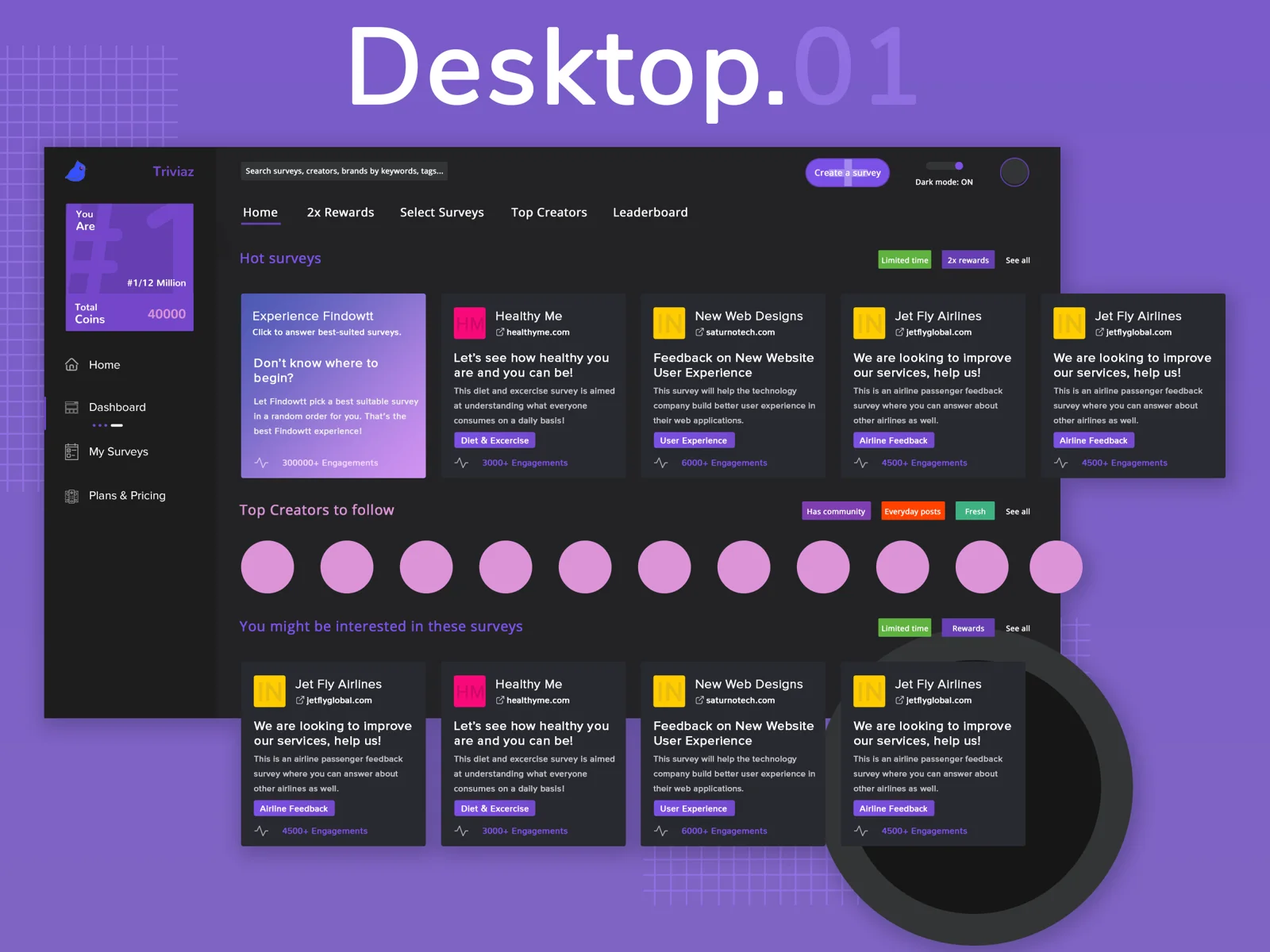
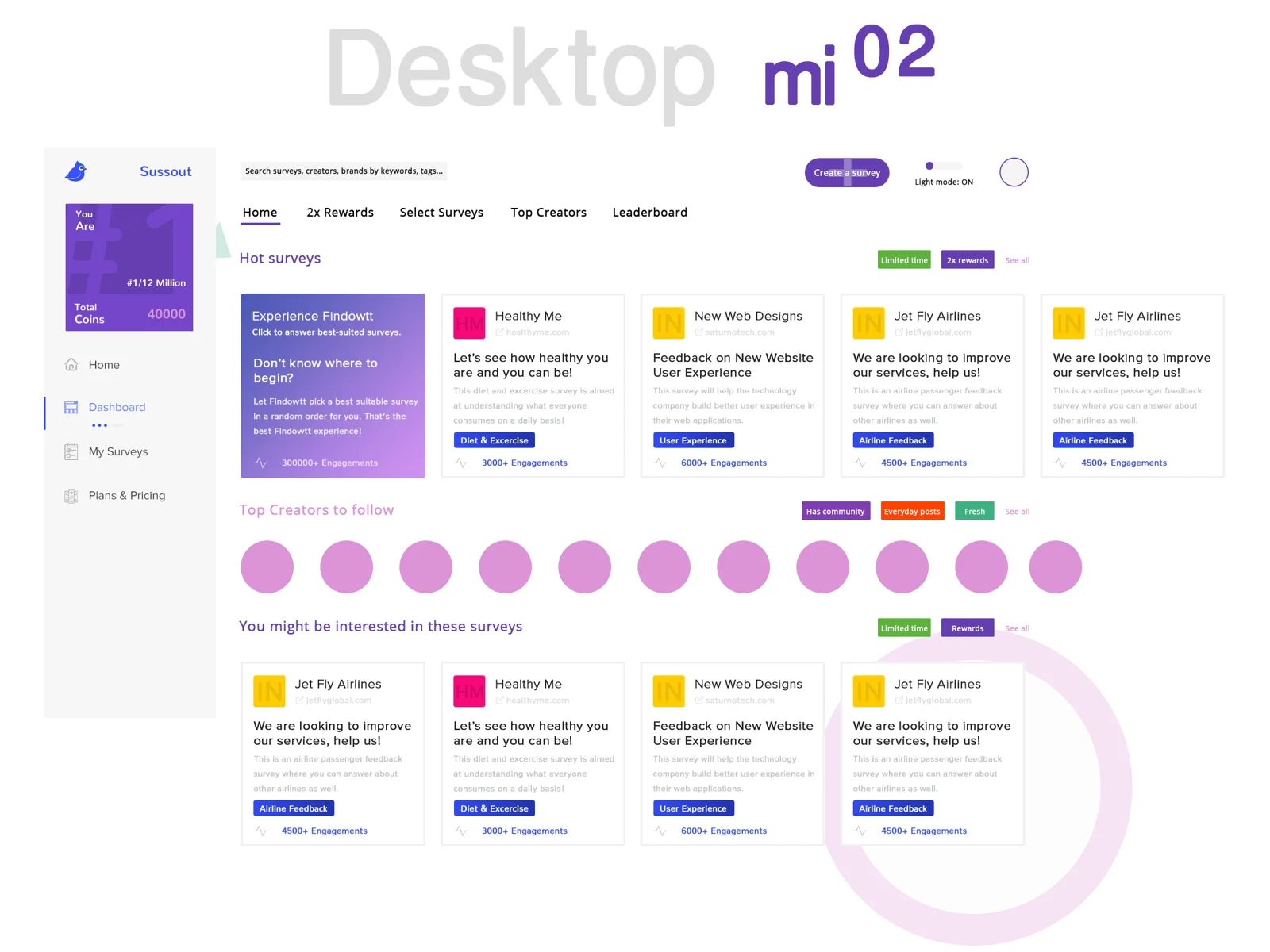
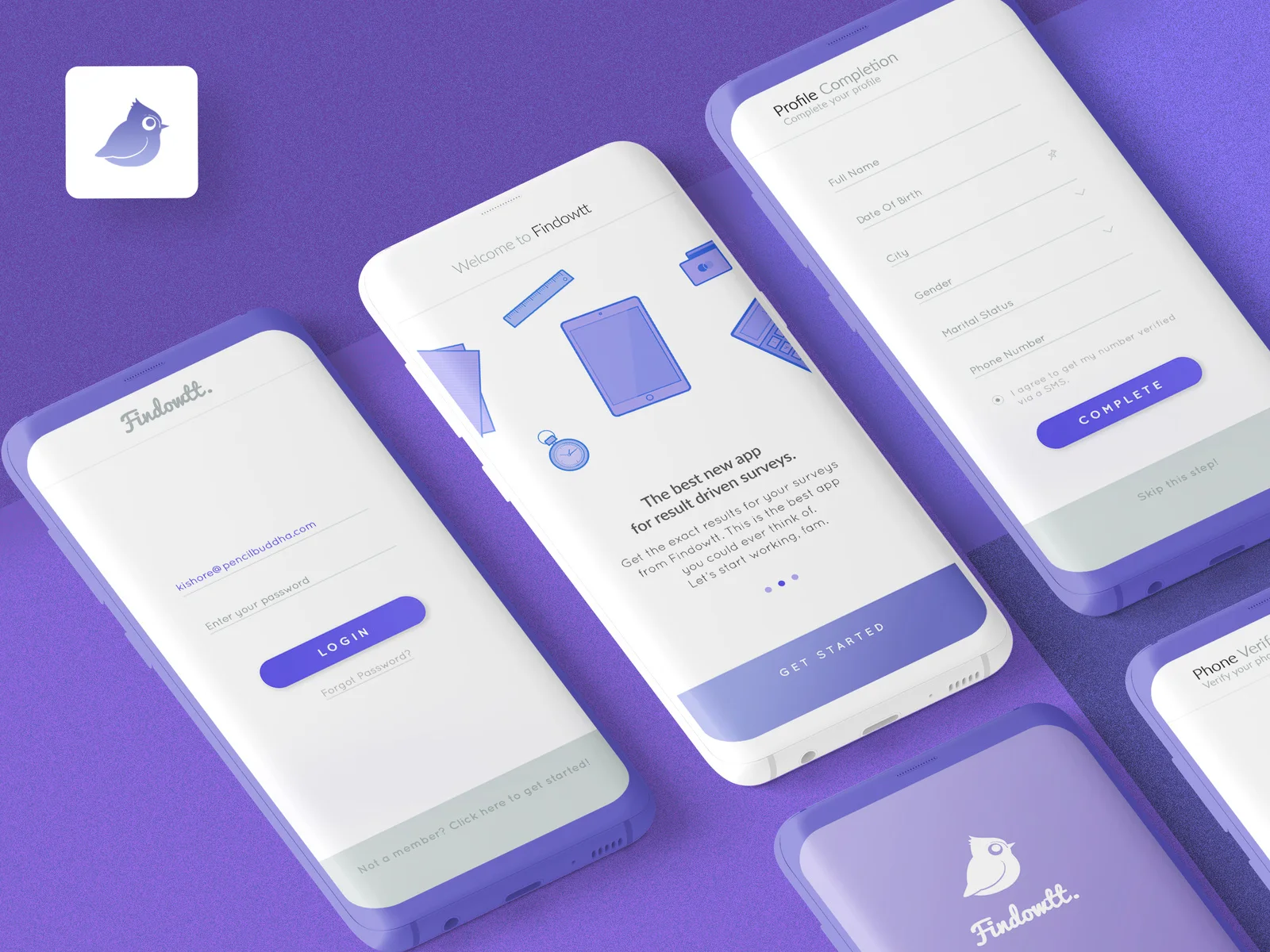
Some of the concepts, polished for show: the web app in dark and light mode, and the mobile onboarding.
Every flow,web and mobile.
The full UX and UI, ready to build.
- Home and survey picks
- One-question screens
- Scales, lists, text
- Thank-you and next survey
- Four-step setup
- Templates and copy
- Drag-and-drop builder
- Settings and sharing
- Sign-up options
- Log in
- Dashboard
- Plans and pricing
- Onboarding
- The same flows, for phones
Which services made Findowtt work?
The services behind this project. Each one has its own page, with more work and answers.
Which projects are like this one?
Case studies that share this project's work, then more clients we have done it for.
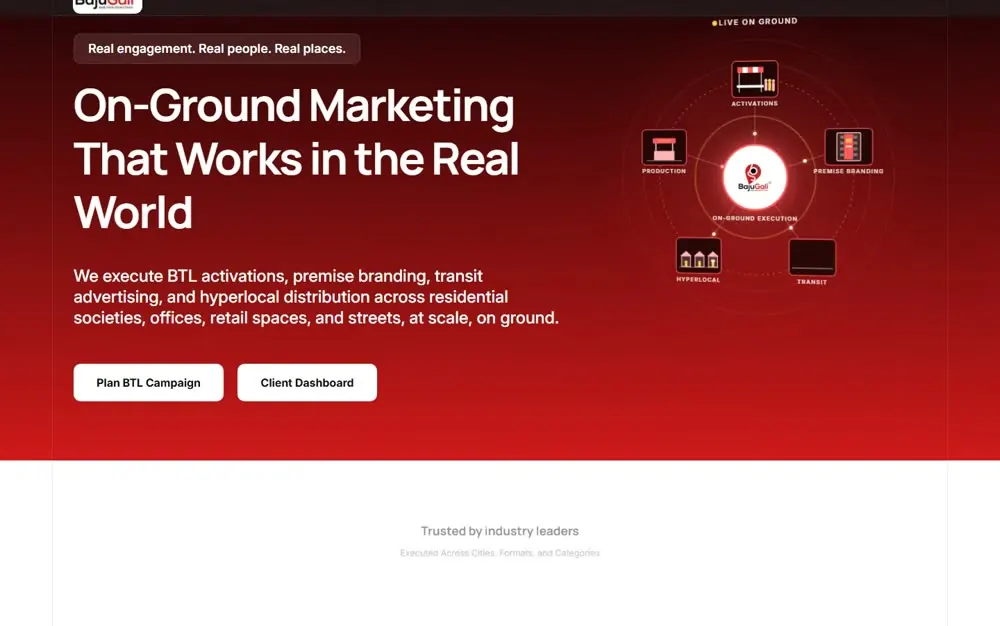 Community platform · IndiaBajuGaliThe society-management app and the growth funnel, before BajuGali was acquired by Adcrest.Read the case study
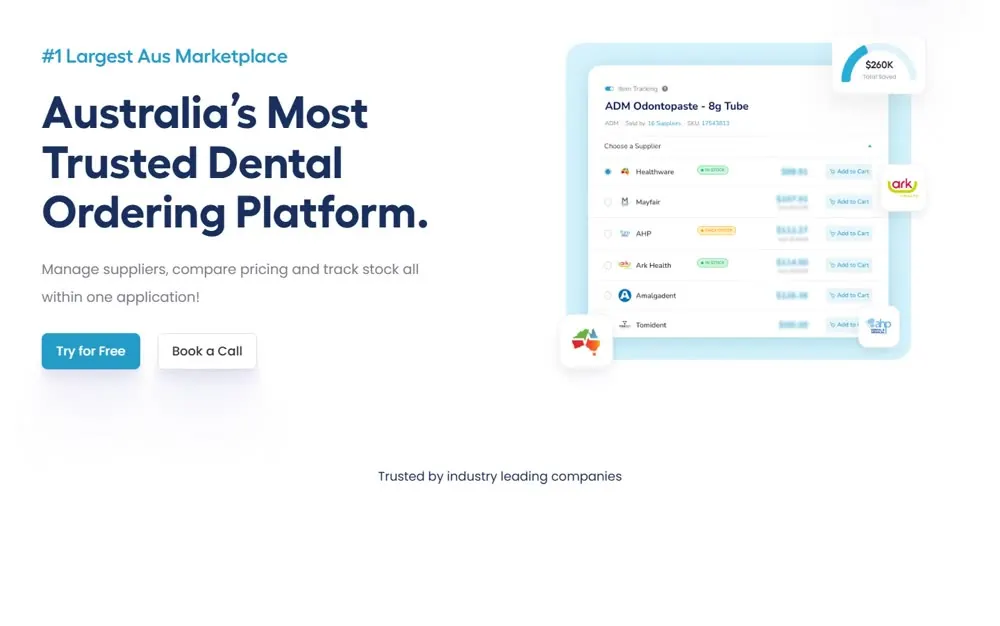 Dental SaaS · AustraliaInvedentBrand, tone, storytelling and the platform for an Australian online dental ordering platform.Read the case study
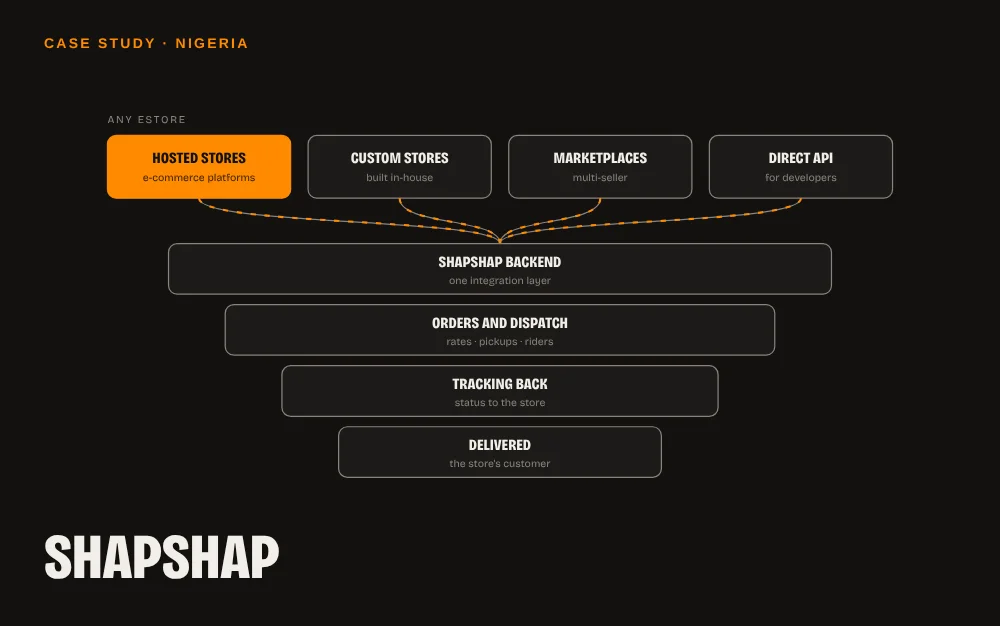 Delivery & logistics · NigeriaShapShapA backend that connects any online store to ShapShap's B2B delivery in Nigeria.Read the case study
 Film · comic book · gameIndrajithA comic book and a game for the 2017 film Indrajith, for Kalaipuli S Thanu and V Creations.Read the case study
Picked for you
Where to next?
Suggestions based on what you're reading.
Community platform · IndiaBajuGaliThe society-management app and the growth funnel, before BajuGali was acquired by Adcrest.
Dental SaaS · AustraliaInvedentBrand, tone, storytelling and the platform for an Australian online dental ordering platform. ServiceApps & softwarePencilbuddha designs and builds mobile apps, web apps, SaaS platforms and API integrations for founders and teams in Chennai, Coimbatore, Erode and Bangalore, and abroad.
Got a project? Or just want to say hello?
Fear not.
Send the brief.
The raised hand is the abhaya mudra, the Buddha's gesture for "fear not". It's my promise on every brief.
Based in Erode, Tamil Nadu. Working with brands in Chennai, Coimbatore, Erode and Bangalore, and clients in 8 countries.