Case study · Mobile wallet & offers app · Bangalore
Fizz: Pay, save and get stamped.
Fizz let people in Bangalore pay at cafés, restaurants and hangouts from their phone, save with offers at every table and collect loyalty stamps along the way. Students got more. Pencilbuddha planned the whole product as one screen map, then designed and built the Android app, the iOS app and the backend that manages merchants, wallets, offers and payments.
By Kishore Ravi, founder · Updated

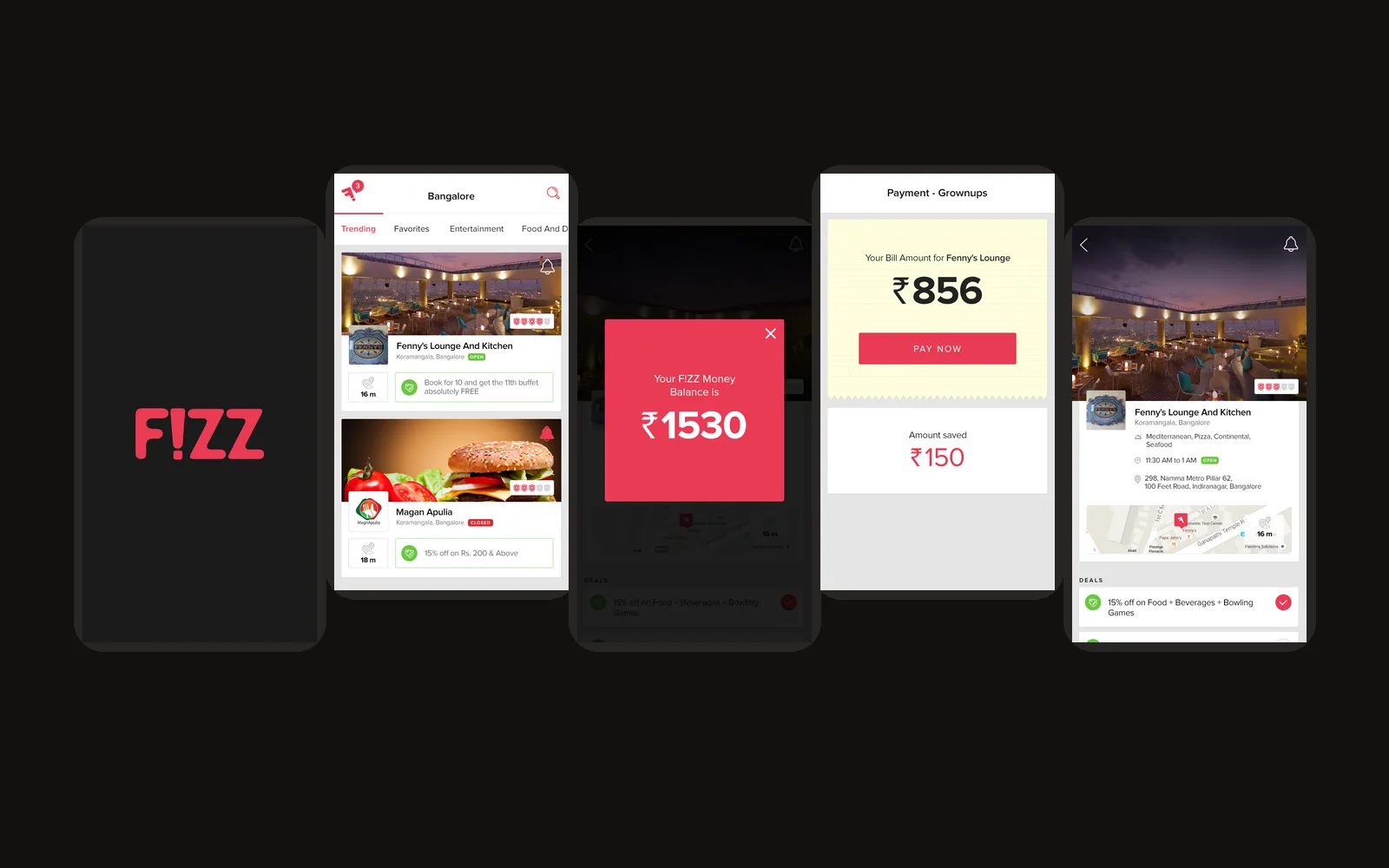

Your phoneis your wallet.
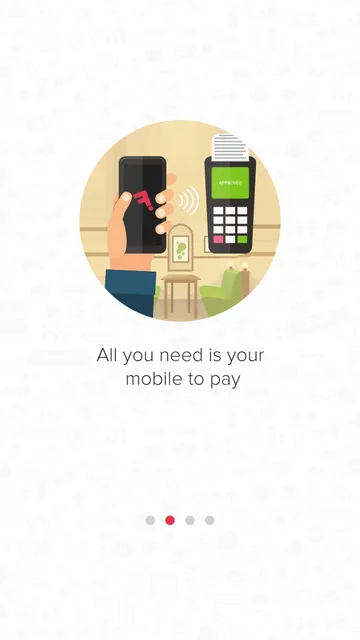
Fizz started with one idea, printed on its first screen: all you need is your mobile to pay. Walk into a café in Koramangala, see what deals it has, pay the bill from your phone and get rewarded for coming back.
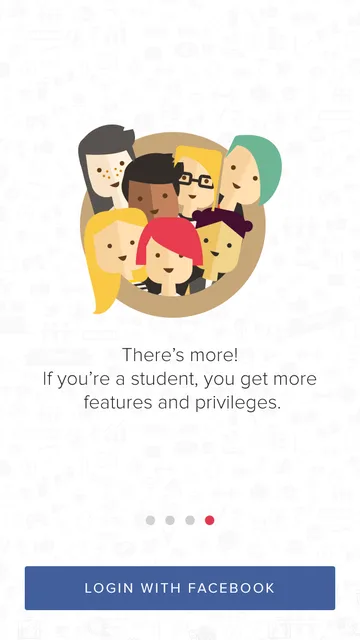
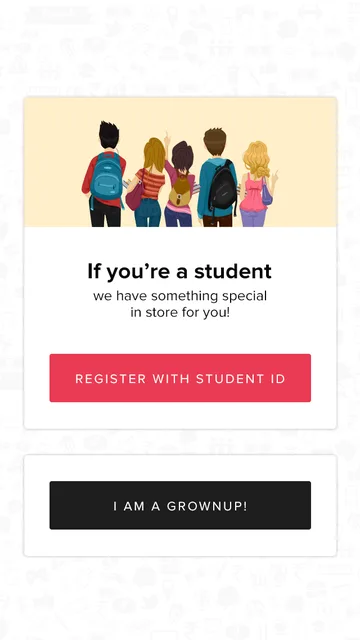
It had to work for two kinds of people. Grownups pay with Fizz money. Students verify their college ID once and get special pricing, with the option to pay by cash in store.
Discover
Hangouts near you, sorted by category, with live offers and distance.
Pay
Settle the bill from the phone with a wallet and a PIN.
Save and return
Deals on every bill, and loyalty stamps that earn freebies.
Tap throughFizz yourself.
This is the Fizz app, screen for screen, running in your browser. Sign up as a student or a grownup, find a hangout, pay a bill, top up the wallet and collect a stamp.
Fizz splash screen
Pick a journey,
then tap the phone.
Every screen is from the real Fizz app. Tap where you would tap on your own phone: buttons, cards, tabs and the menu all work. The phone's back button works too.
A demo of the shipped screens. Payments and accounts here are simulated: no money moves and nothing is sent.
Every screen,on one map.
Before a line of code, we drew the whole product as one flow map: 52 screens, every path between them, and every state a user can land in, from the splash screen to a failed payment.
The map became the shared plan for design, the two apps and the backend. Each arrow on it is a call the apps make, and each screen is a state the backend has to know about.
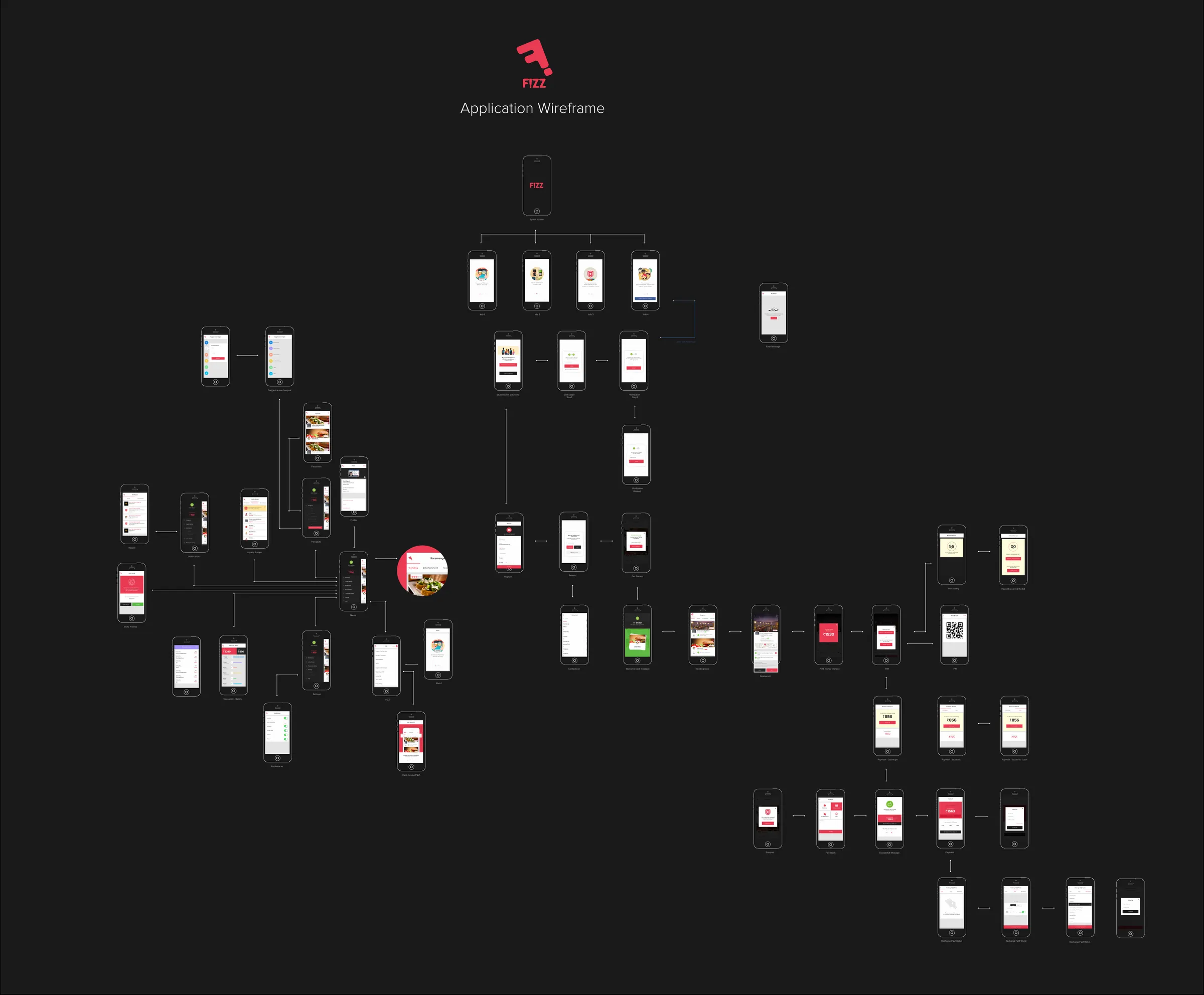
- Map it. Draw every screen and every path on one page.
- Split the users. Students and grownups share one app but take different paths at signup and at payment.
- Design the money moments. Bills, PINs, balances and receipts get the clearest screens.
- Build three things at once. The Android app, the iOS app and the backend, all working from the same map.
Signed upin a minute.
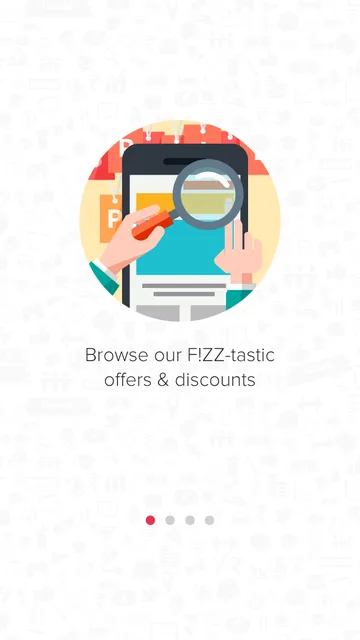
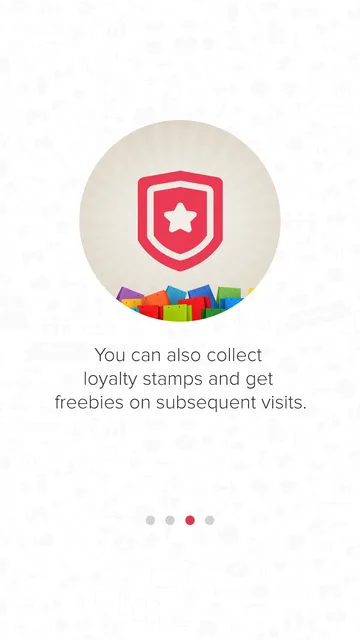
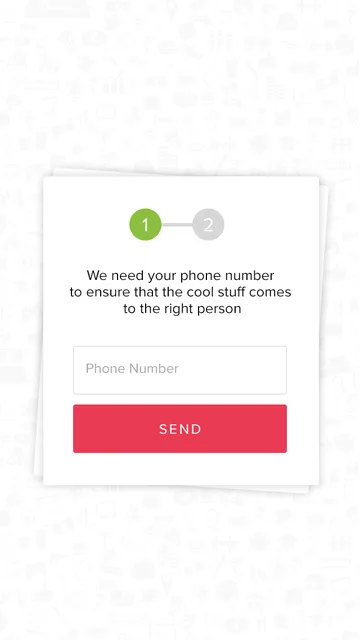
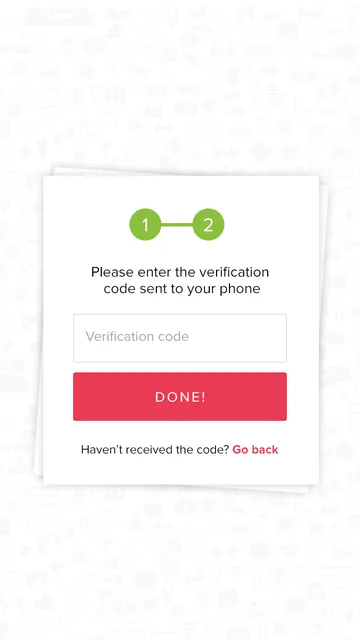
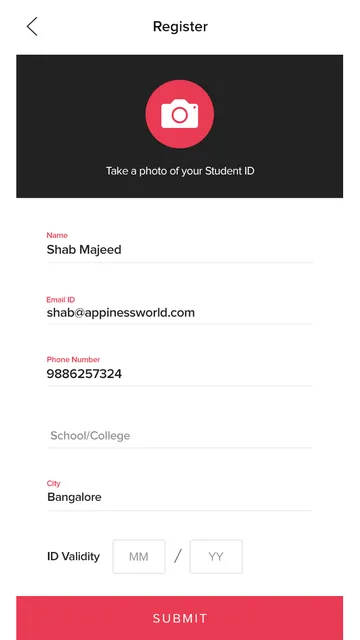
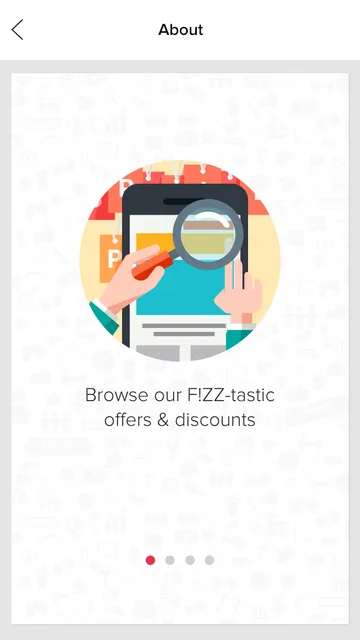
Four short intro screens explain Fizz. Then sign in with Facebook, confirm the phone number with a one-time code, and choose: student or grownup. Students photograph their college ID to unlock their pricing.
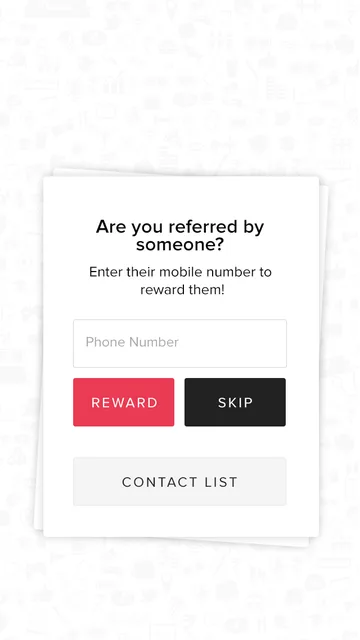
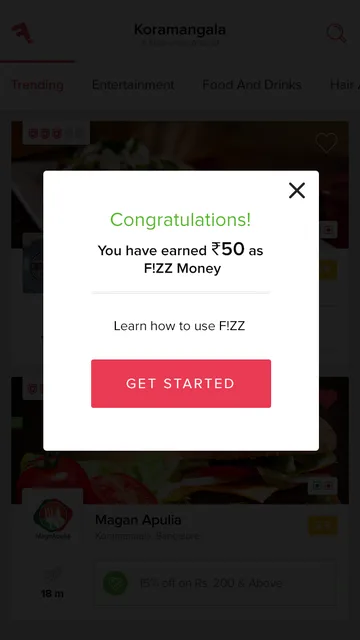
New users get ₹50 of Fizz money to try it, and anyone who was referred by a friend can reward them on the spot.
Where to go,and what's on.
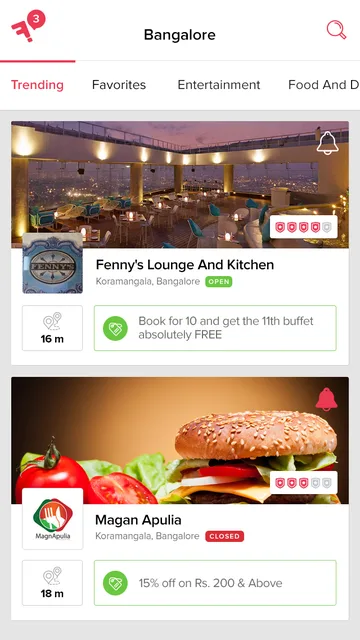
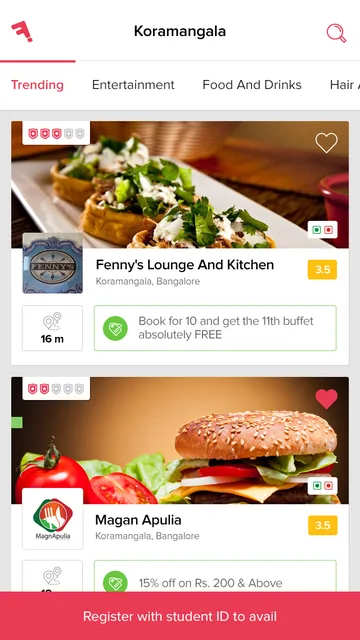
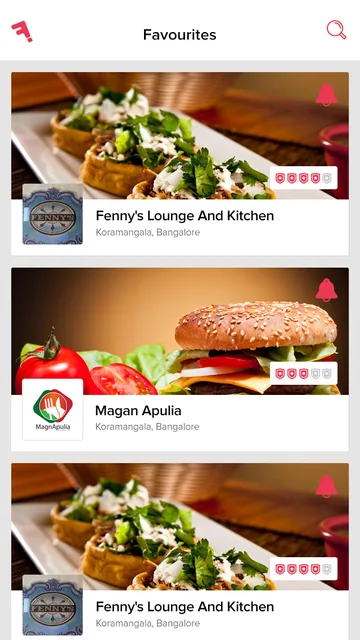
The home screen lists hangouts around you, with tabs for trending places, favourites, entertainment, food and drinks, and more. Every card shows the live offer, the distance and whether the place is open.
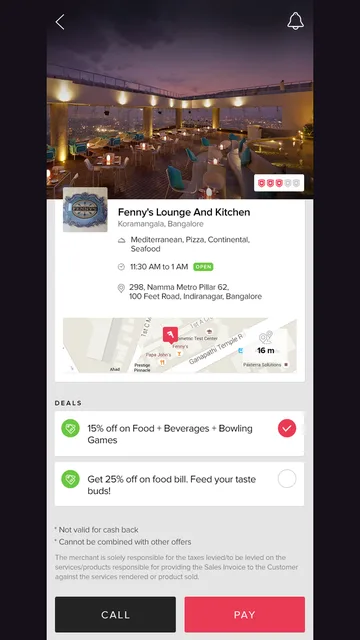
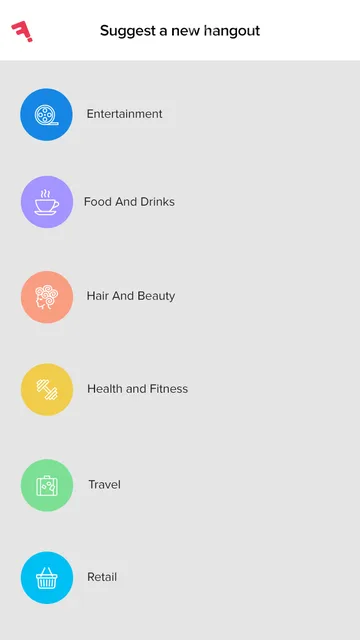
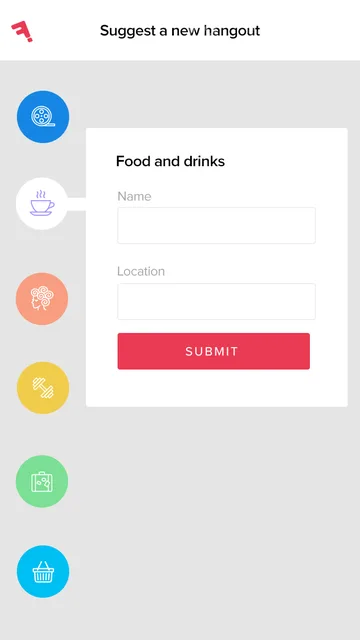
A venue page has the cuisine, hours, map and every deal, with one button to call and one to pay. Users can save favourites and suggest a new hangout for Fizz to add.
The bill comesto your phone.
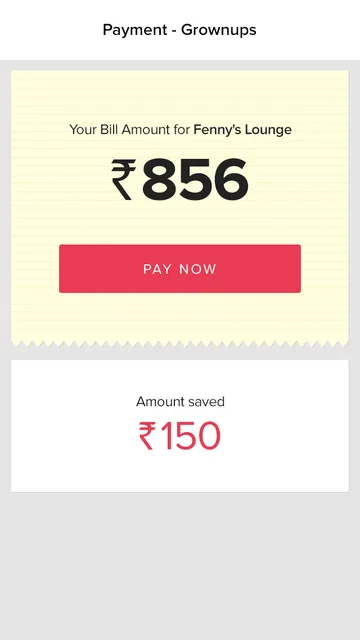
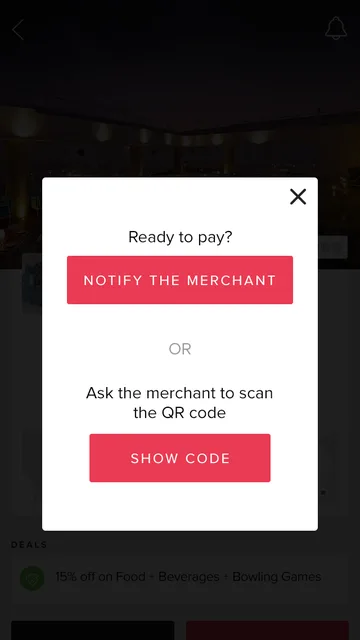
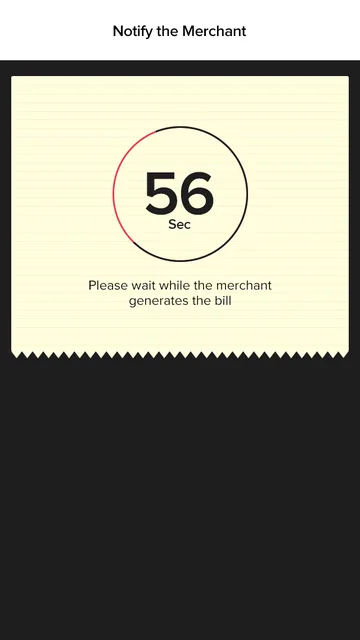
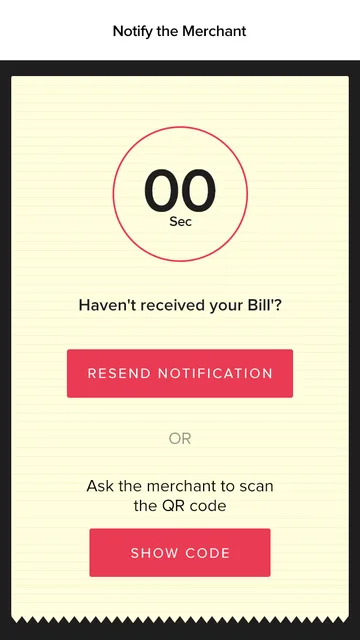
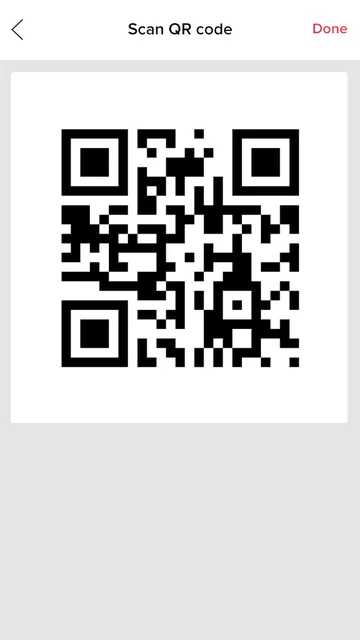
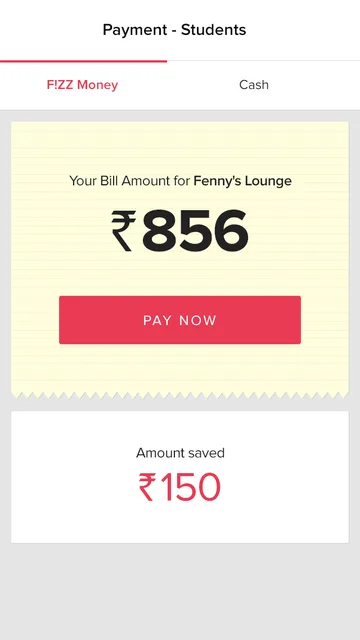
Paying is the heart of Fizz, so it is built to be quick and hard to get wrong. When you are ready to pay, you either notify the merchant from the app or show a QR code for them to scan. The merchant raises the bill, and it arrives on your phone with the deal already taken off.
Grownups pay with Fizz money. Students can pay with Fizz money or choose cash. If the bill takes too long, the app counts down and offers to resend the notification or show the code instead.
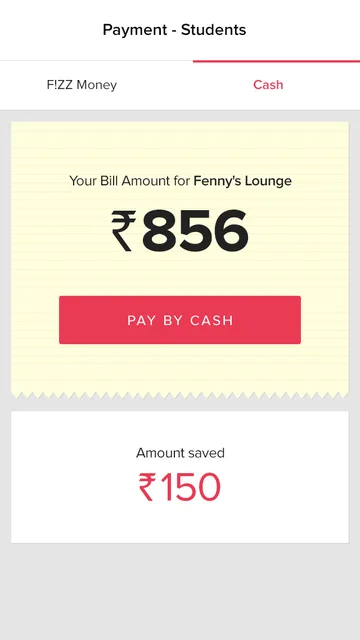
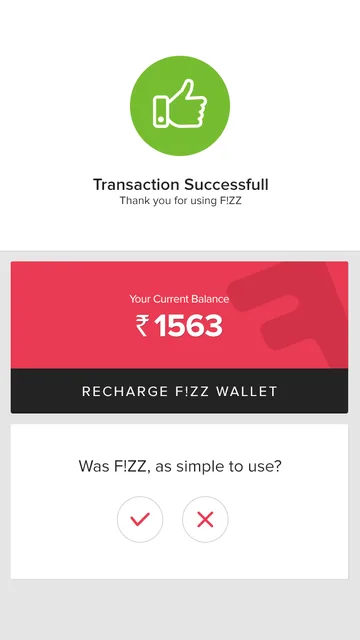
Money in,money out, all clear.
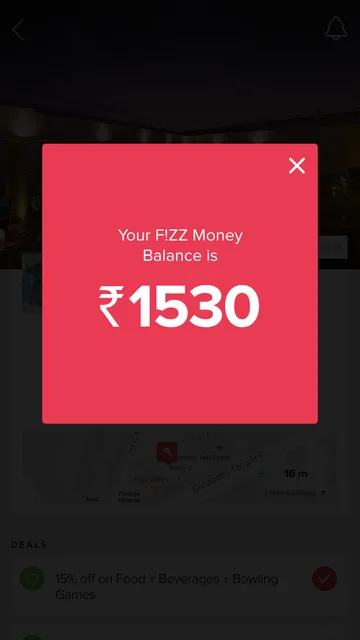
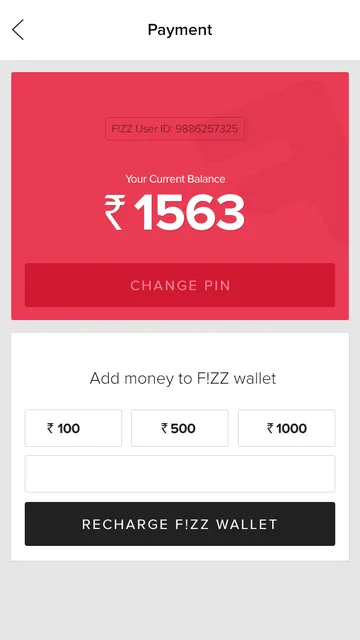
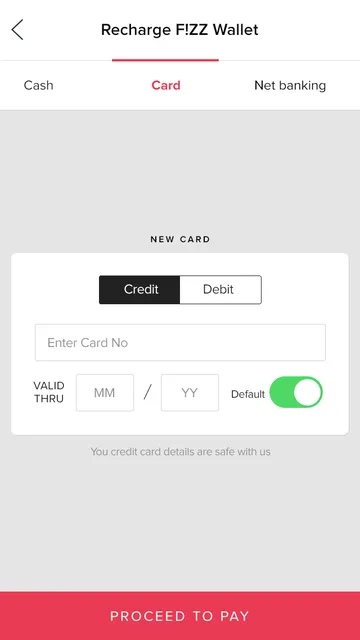
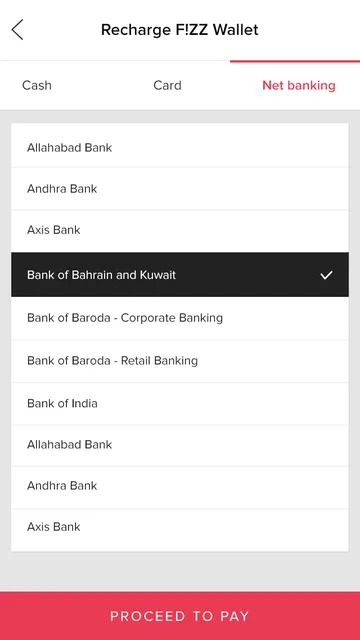
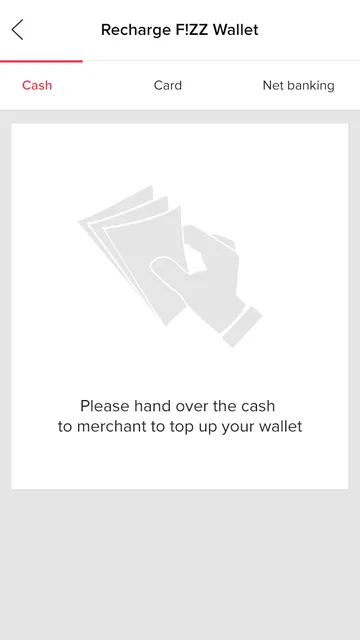
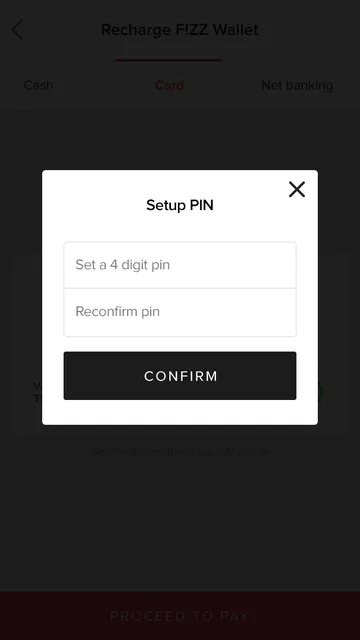
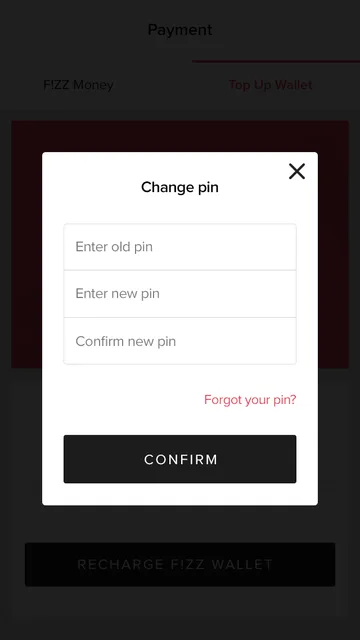
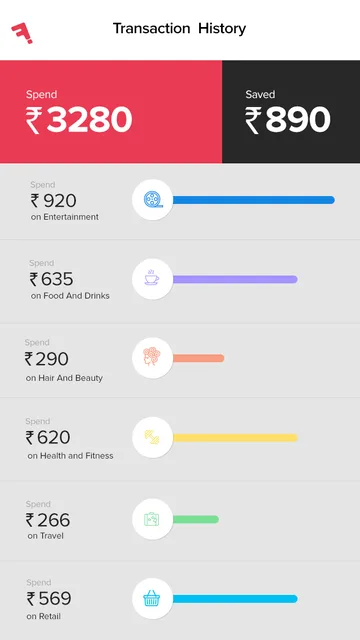
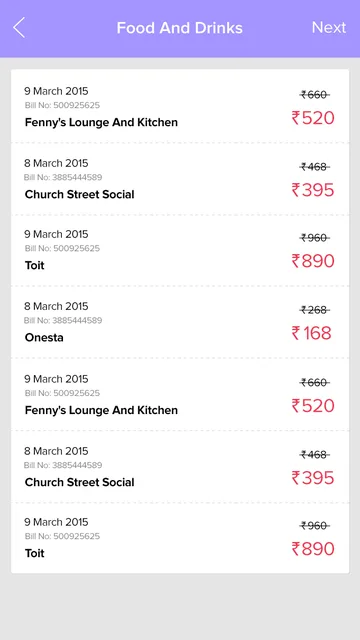
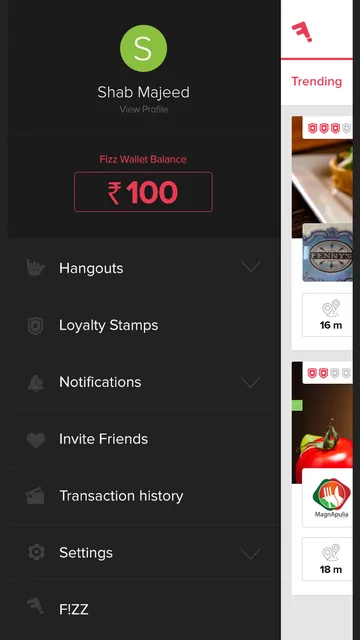
The Fizz wallet is protected by a four-digit PIN. Users top it up by card, by net banking, or by handing cash to a merchant. Transaction history shows what was spent and what was saved, broken down by category, so the savings are always visible.
Reasonsto come back.
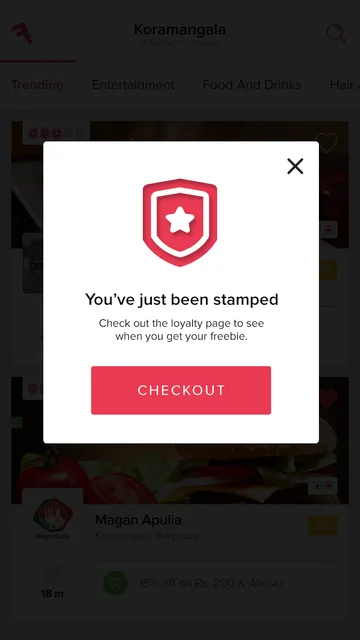
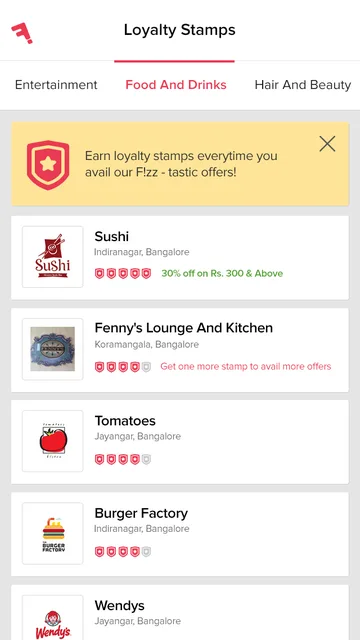
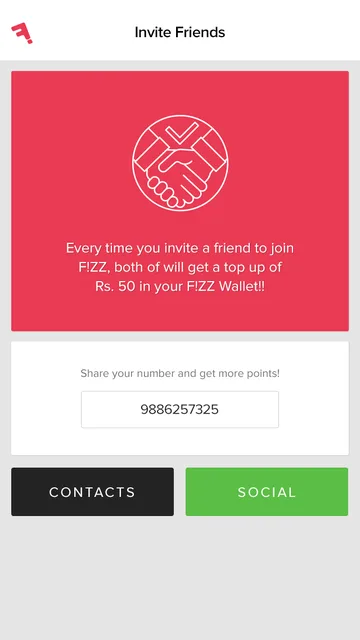
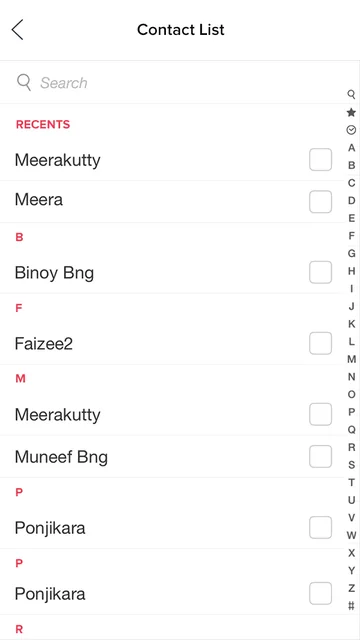
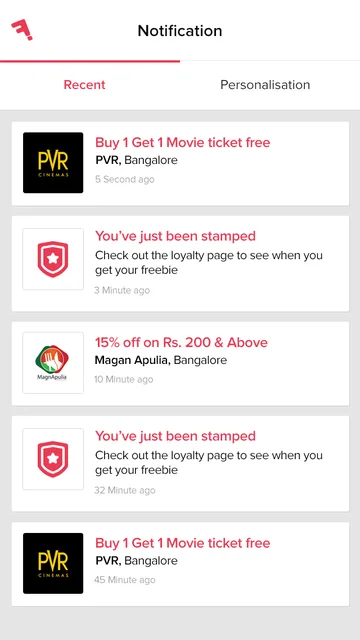
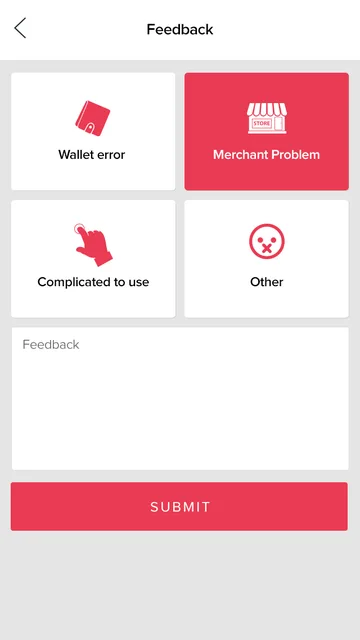
Every payment can earn a loyalty stamp at that venue, and enough stamps earn a freebie. Invite a friend and both of you get ₹50 of Fizz money. Notifications bring news of new stamps and deals, and a simple feedback screen catches anything that went wrong.
Two apps,one backend.
The Android and iOS apps are clients of one backend. It holds every user, wallet, venue, offer, bill and stamp, so a payment made on an iPhone looks the same on the merchant's side and in the admin panel.
The Fizz team runs the product from the admin panel: adding merchants and offers, checking student IDs, following payments and wallet top-ups, and handling feedback.
Built native,on both platforms.
Both apps were built natively, so the payment flow feels at home on each phone. The backend is one Node.js REST API that both apps share, hosted on Amazon Web Services.
- Native Android, in Java
- Android support libraries (AppCompat)
- Volley for networking
- Facebook SDK for login and sharing
- Google Play services and location
- Camera for student IDs and QR
- Native iOS, in Objective-C
- The same flows and screens as Android
- Facebook login
- Location and camera
- Push notifications
- Node.js
- REST API with JSON
- Hosted on AWS Elastic Beanstalk
- User authentication
- SMS verification codes (OTP)
- Wallet, bills and loyalty services
- Web admin panel
- Merchant billing and QR codes
- Payment gateway for cards and net banking
- Offers, venues and student ID review
The small screensthat matter.
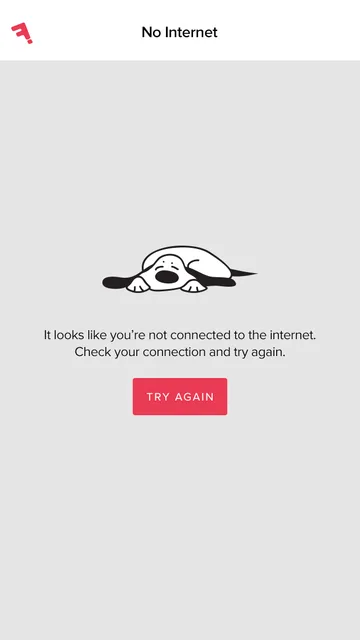
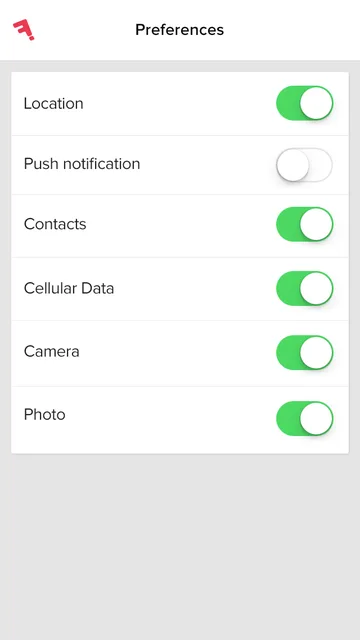
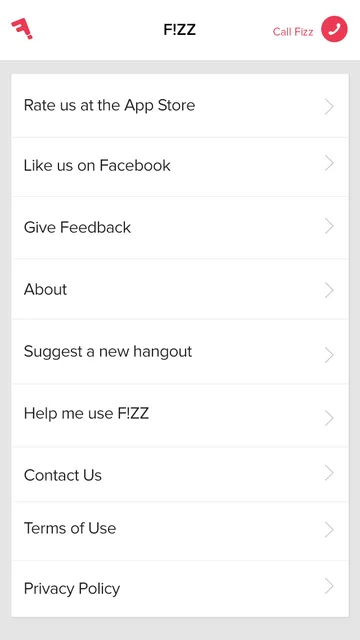
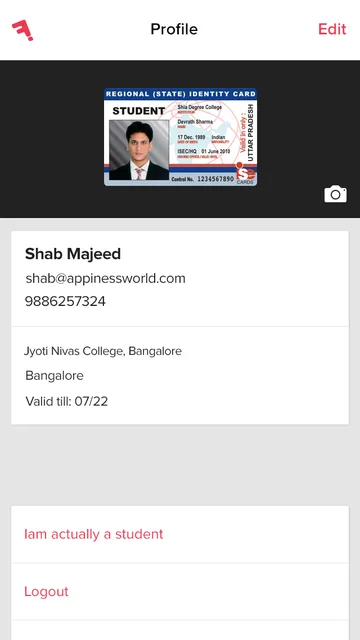
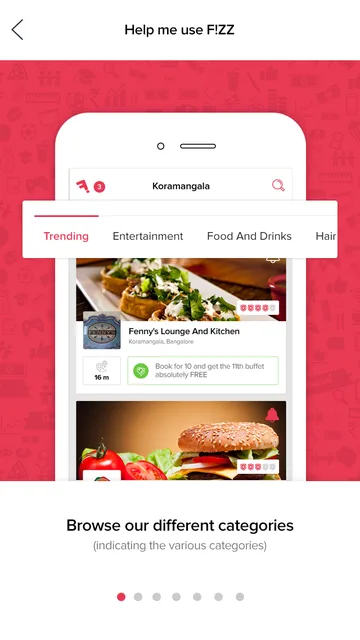
A product people trust with money needs the edge cases designed too: no internet, a PIN change, preferences for location, contacts and notifications, a profile with the student ID, and a help guide for first-timers.
Builtend to end.
Pencilbuddha delivered the full product: both apps and the backend that runs them.
Built
- Product plan and 52-screen flow map
- Android app
- iOS app
- Backend, API and admin panel
Which services made Fizz work?
The services behind this project. Each one has its own page, with more work and answers.
Which projects are like this one?
Case studies that share this project's work, then more clients we have done it for.
 Community platform · IndiaBajuGaliThe society-management app and the growth funnel, before BajuGali was acquired by Adcrest.Read the case study
 Dental SaaS · AustraliaInvedentBrand, tone, storytelling and the platform for an Australian online dental ordering platform.Read the case study
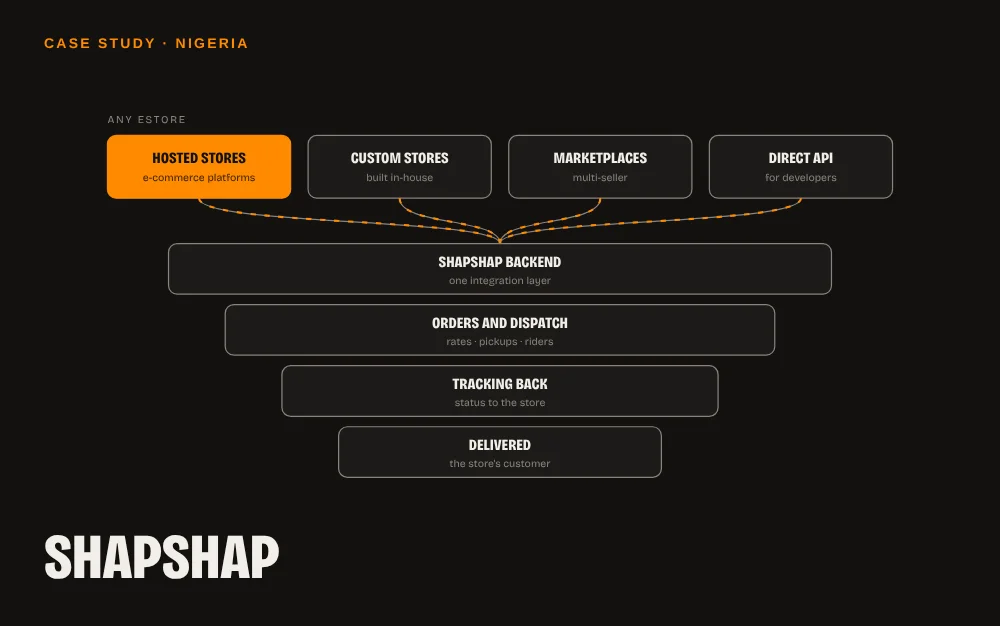 Delivery & logistics · NigeriaShapShapA backend that connects any online store to ShapShap's B2B delivery in Nigeria.Read the case study
 Telecom · AfghanistanRoshanA telecom self-care app: usage, support, family SIMs, plans, rewards and personal offers.Read the case study
Picked for you
Where to next?
Suggestions based on what you're reading.
Community platform · IndiaBajuGaliThe society-management app and the growth funnel, before BajuGali was acquired by Adcrest.
Dental SaaS · AustraliaInvedentBrand, tone, storytelling and the platform for an Australian online dental ordering platform. ServiceApps & softwarePencilbuddha designs and builds mobile apps, web apps, SaaS platforms and API integrations for founders and teams in Chennai, Coimbatore, Erode and Bangalore, and abroad.
Got a project? Or just want to say hello?
Fear not.
Send the brief.
The raised hand is the abhaya mudra, the Buddha's gesture for "fear not". It's my promise on every brief.
Based in Erode, Tamil Nadu. Working with brands in Chennai, Coimbatore, Erode and Bangalore, and clients in 8 countries.